A virtual site visit, without the flight or the Saturday drive
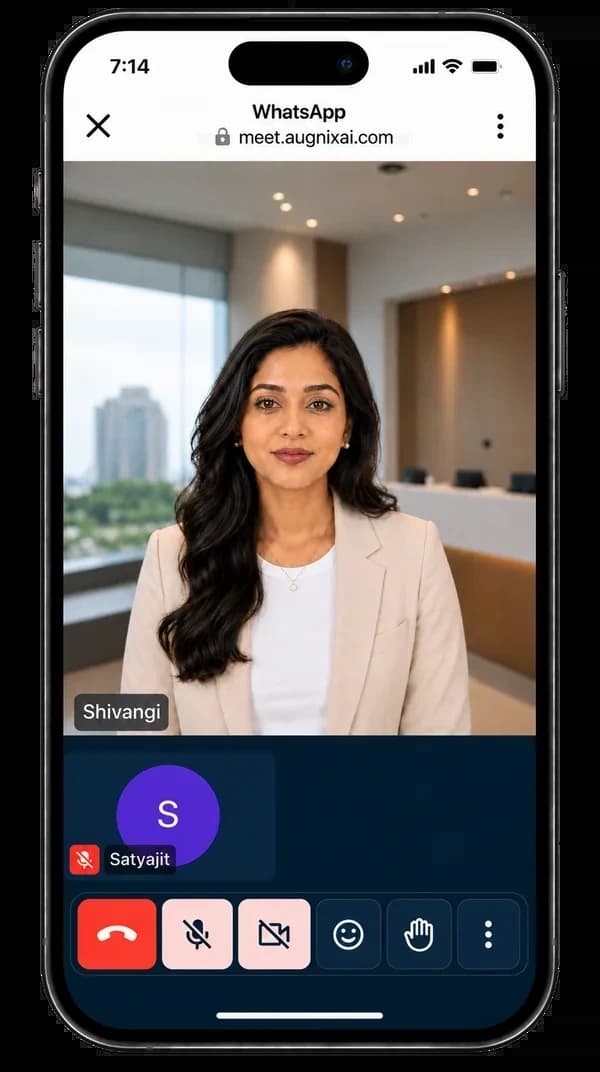
Send a buyer one meeting link. A human-like AI employee joins, briefs them on the project and walks them through the home on a live virtual tour, at whatever hour suits them. Your adviser can join the same call to close it.
Your adviser
Sends one meeting link
On WhatsApp or email. The buyer opens it in the browser.
8:30 pm, Dubai time
The AI employee runs the visit
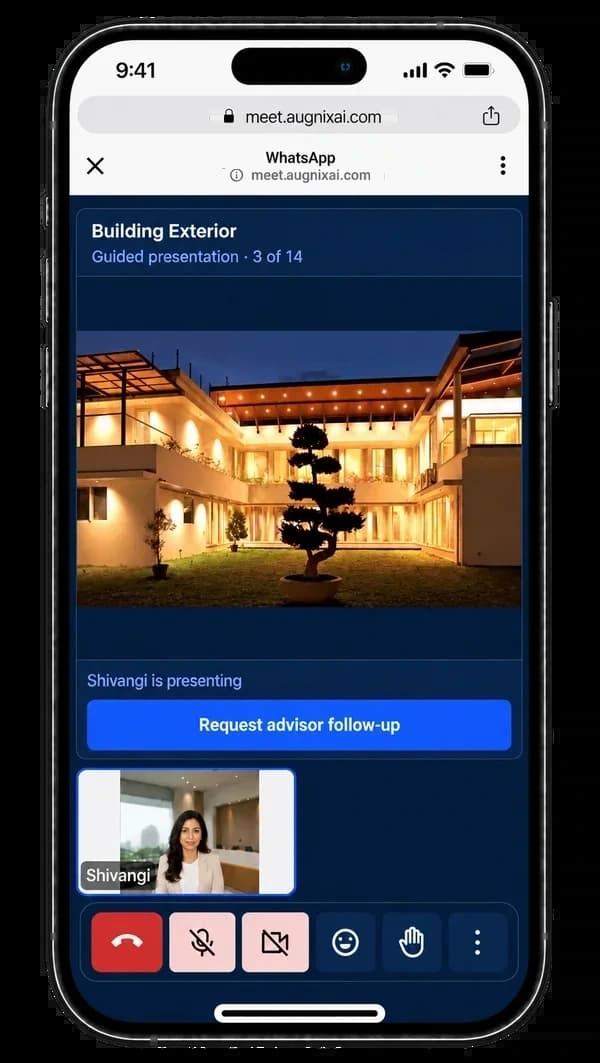
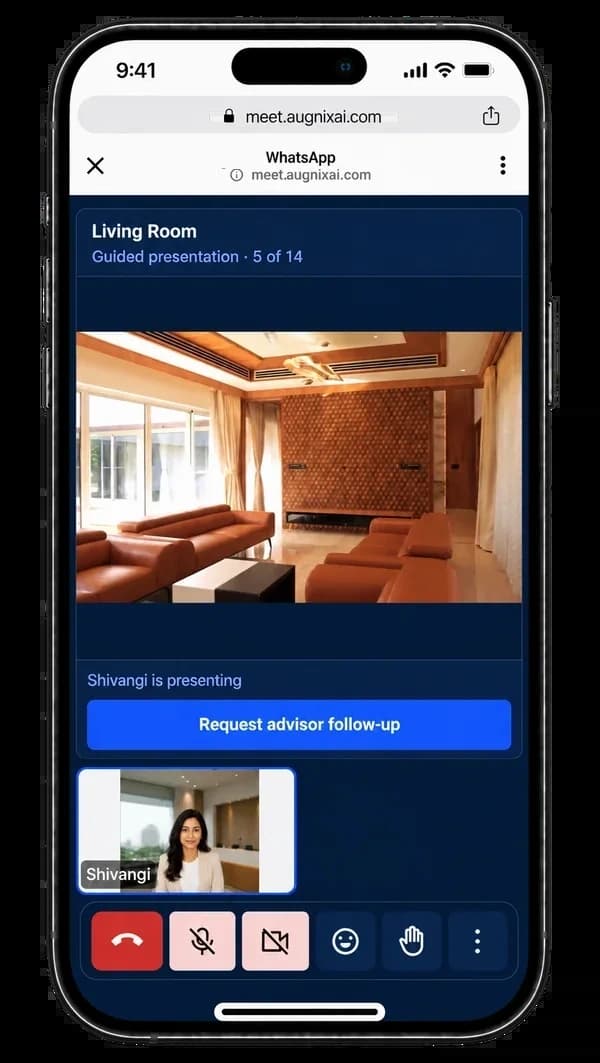
Project briefing, then a live tour of the home, answering questions as they come.
Same call
Your adviser joins to close
The physical visit is booked for when the buyer flies in.
A video call by your team vs Augnix Meet
| A video call run by your team | With Augnix Meet | |
|---|---|---|
| Who presents | An adviser, when one is free | The AI employee, at the buyer’s time |
| The project briefing | Different with every adviser | The same approved briefing, every time |
| Showing the home | Screen-sharing a brochure | A live virtual tour inside the meeting |
| Buyer questions | “Let me check and get back to you” | Answered on the call from approved facts |
| After the call | Notes in someone’s head | Summary and questions in the CRM |
What happens in an Augnix Meet call
- Your adviser sends a secure meeting link on WhatsApp or email. The buyer opens it in the browser, with no app to download.
- The AI employee joins, greets the buyer and gives the project briefing: location, configurations, amenities and price.
- The AI employee takes the buyer through the virtual property tour inside the meeting and answers questions as they come.
- Your adviser can join the same meeting to close the conversation and book the site visit.
- The meeting summary and the buyer’s questions land in the Augnix CRM.
For NRI and outstation buyers
A buyer in Dubai or Bengaluru cannot drop by the site office on a Saturday. Augnix Meet gives them a proper presentation of the project and the home, at a time that suits them, before they plan the trip.
Beyond property tours
The same meeting link works for any business call where a project briefing or a product demo helps: channel partner briefings, launch presentations, or a walk-through of a system for your own team.
We set it up and run it for you
Augnix Meet comes with our team. You approve; we do the work, before and after go-live.
- 1. Set up
We set up your meeting links and the AI employee who joins them, with your project material.
- 2. Launch
Your team sends the link to buyers for a project briefing or a virtual property tour.
- 3. Run
We review meetings with your team and keep the project material up to date.
Works with the other Augnix products
Included in every Augnix plan
See plans and pricingFrequently asked questions
Does the buyer need to install anything?
No. The buyer opens the meeting link in the browser on a phone, laptop or TV.
Can my adviser join the meeting?
Yes. Your adviser can join the same meeting as the buyer and the AI employee, and take over at any point.
What does the AI employee know?
Only the project facts and material your team has approved. Your team approves what it says before any buyer hears it.
How much does Augnix Meet cost?
Augnix Meet is included in every Augnix plan. See the pricing page for the plans.
See Augnix Meet on your own project
Leave your mobile number. Our team replies on WhatsApp or calls within one business day.
Prefer to talk now? Chat with us on WhatsApp